


Change payment method
This option enables you to change your payment method from GIRO to direct billing or vice versa.
Instructions
Changing from direct billing to GIRO
- To set up a GIRO arrangement, please refer to the detailed instructions here.
Changing from GIRO to direct billing
You can terminate your existing GIRO arrangement via MyManulife or the Manulife SG App.
- Log in to your account via MyManulife or the Manulife SG App.
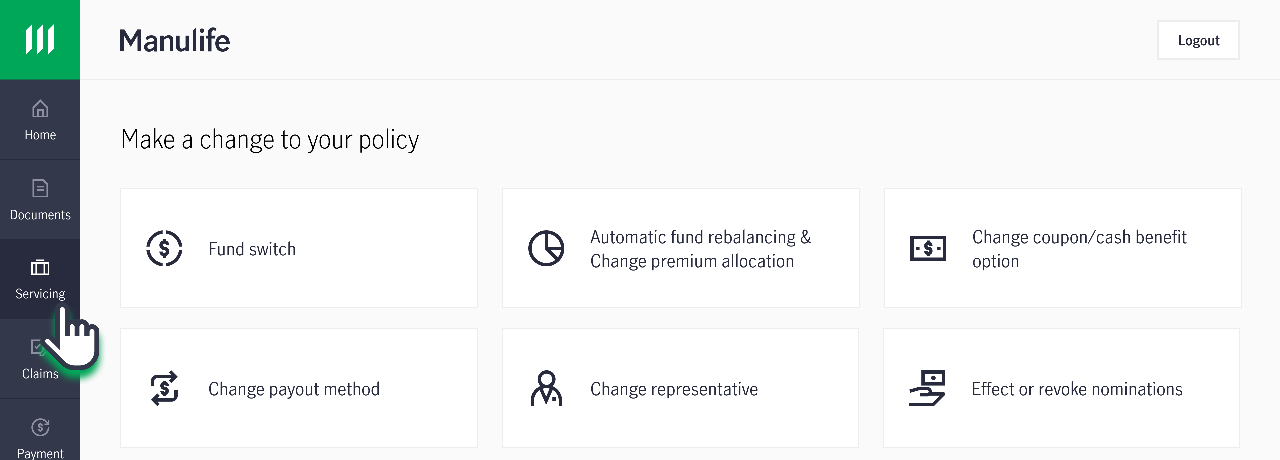
- Click on “Services”, followed by "Change payout method”.
- Follow the instructions on the page to guide you through the process of GIRO termination.
Note: Online GIRO termination is only available for policies that meet all of the following conditions:
1. The policy is an investment-linked policy that:
a. Has completed the Minimum Investment Period or reached its Flexi Start date
b. Is no longer subject to premium shortfall or premium holiday charges
2. The policy has an active GIRO arrangement
Changing from GIRO to direct billing via form submission
Changing from GIRO to direct billing via form submission
- Download and complete Section 5G “Other Changes” of the Policy Details Change Form.
- Upload the completed form, along with any supporting documents (if applicable), to our customer portal, MyManulife or via the Manulife SG App (refer to steps below).
- Alternatively, you can mail the completed original hard copy form to the following address:
Manulife (Singapore) Private Limited
8 Cross Street
#15-01 Manulife Tower
Singapore 048424
Please ensure that the form is signed in wet ink. Click here to obtain the Business Reply Envelope for your submission.
If you do not have a MyManulife account, you can easily follow the step-by-step instructions here to create your account.
How to upload form to MyManulife
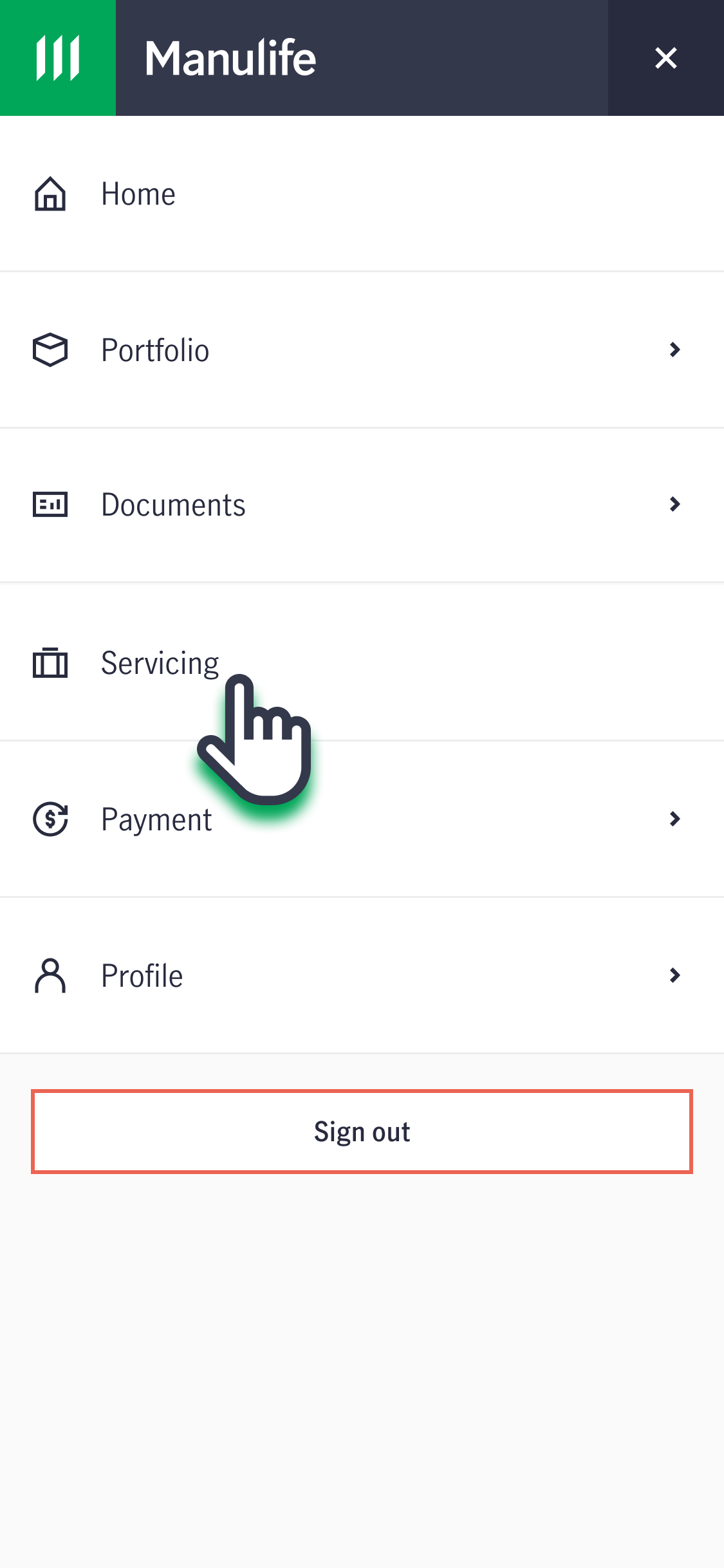
1. Log into your account via MyManulife or the Manulife SG App.
2. Click on "Services".
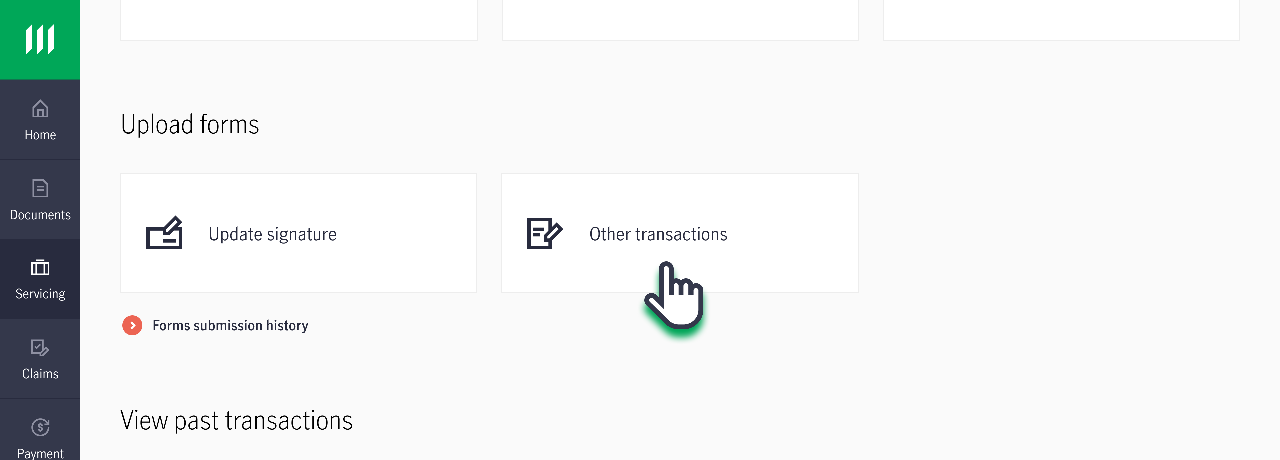
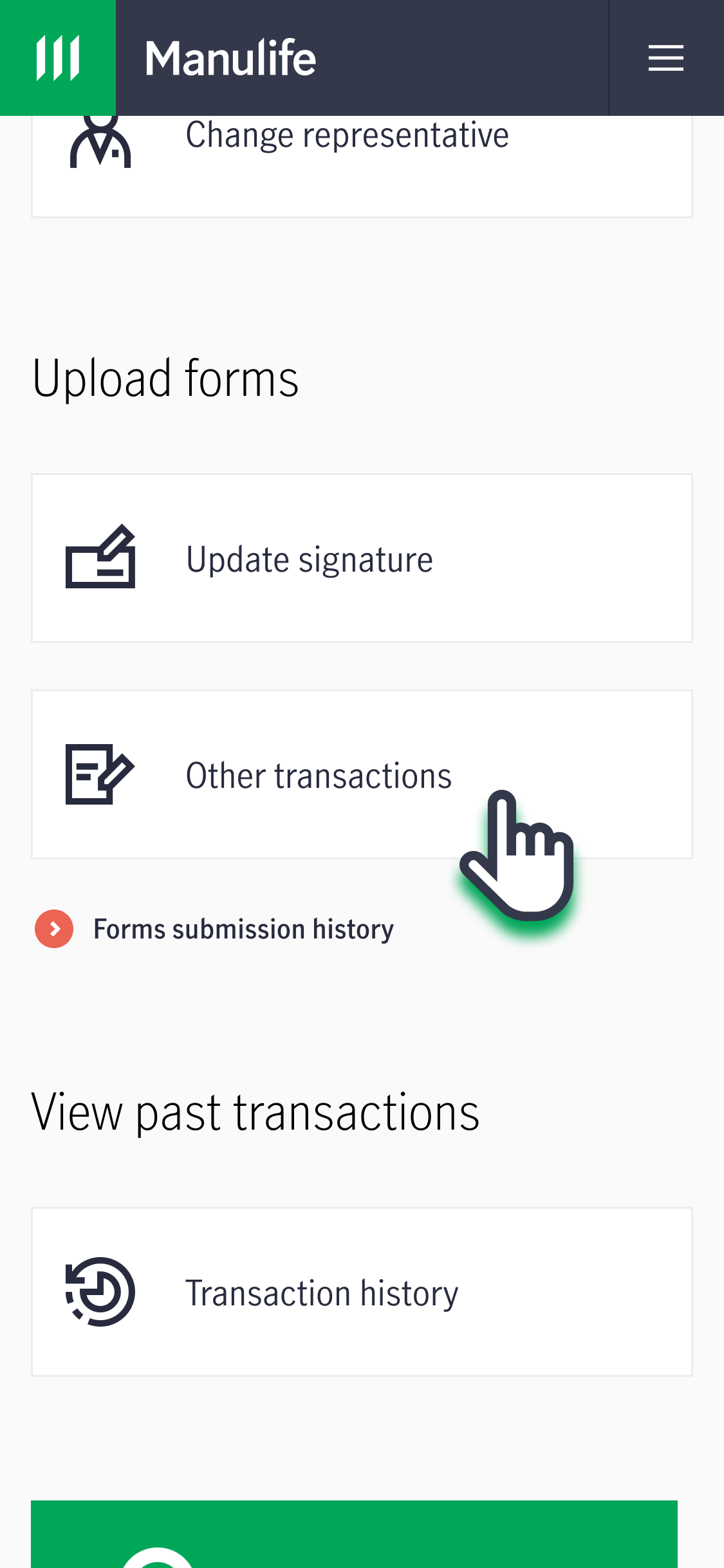
3. Under "Upload Forms", click on "Other Transactions". Follow the instructions on the page to submit the completed form.
Do all policies allow for direct billing?
Policies with a monthly payment frequency must be paid via GIRO. This is in consideration of the high payment frequency and to ensure ease of payment.
What is the estimated processing time?
eGIRO is a quick and convenient way to apply for GIRO, with setup typically completed within minutes.
For hard copy GIRO applications (where applicable) submitted using the Interbank GIRO Application Form, please allow up to 60 days for the GIRO arrangement to be processed and activated.
For requests to change the payment method from GIRO to direct billing:
Requests received before 3pm will be processed in 3 business days.
Requests received after 3pm will be treated as received on the next business day.
Who will need to sign the form?
For non-trust policies:
- The Assignee or Policyowner must sign the form.
For Trust policies under Section 132 of the Insurance Act (formerly known as S49L):
- The Policyowner and any one Trustee who is not the Policyowner, or
- All Beneficiaries who are at least 18 years old must sign the form.
- If any Beneficiary is under 18 years old, a legal guardian or parent who is not the Policyholder can provide consent.
For a Trust policies under Section 73 of the Conveyancing and Law of Property Act:
- The Policyowner and all Trustees, or
- All Beneficiaries who are at least 21 years old must sign the form.
- If any Beneficiary is under 21 years old, a legal guardian or parent who is not the Policyholder can provide consent.
